Influencer campaign scheduling tools are software that plan, track and remind you of every date in a creator campaign, from the first brief to the live post. Without one, deadlines slip across inboxes, DMs and spreadsheets. This guide explains what to look for, how to set up a schedule, and how to choose a platform.
Quick answer: The best influencer campaign scheduling tools combine a shared calendar, approval workflows, automated reminders and performance tracking in one place. Creators still publish from their own accounts, so scheduling mostly means managing deadlines, not auto-posting.
What Are Influencer Campaign Scheduling Tools?
They are platforms that put every campaign milestone on one timeline. Typical milestones include outreach, contract signing, product shipping, draft review, approval and the posting date.
This differs from a social media scheduler. A scheduler publishes your own brand posts. In contrast, campaign scheduling coordinates many outside creators who each post from their own accounts.
Why Scheduling Matters for Creator Campaigns
Creator work depends on handoffs. A late shipment delays a draft. A late draft delays approval. As a result, one missed date can move the whole launch.
Timing also affects results. Brands often tie posts to product drops, sales or seasonal events. Therefore, a reliable calendar protects both budget and momentum.
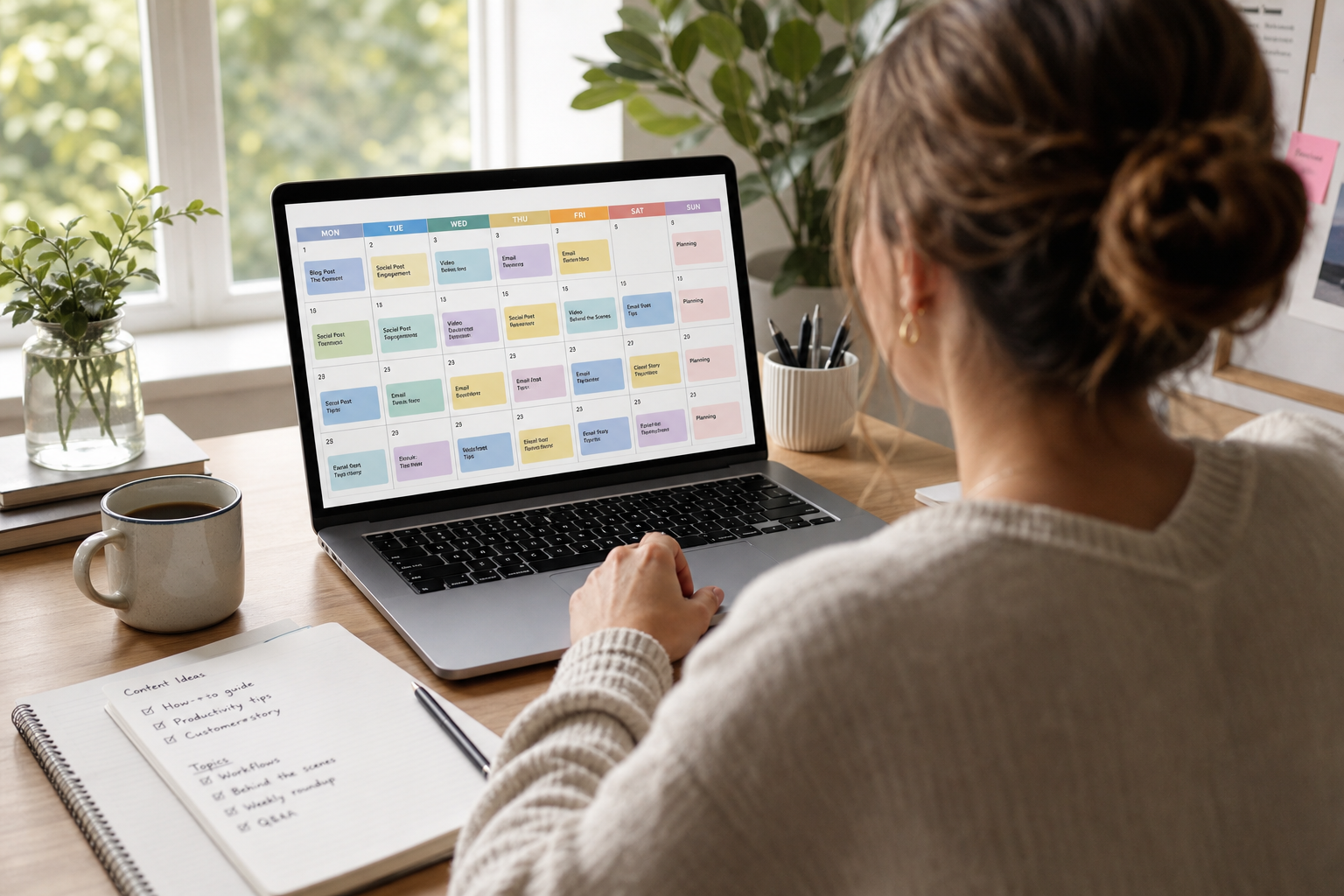
A shared calendar keeps briefs, approvals and posting dates visible to the whole team.
Key Features to Look For
Not every platform covers the full workflow. Specifically, check for these capabilities:
| Feature | Why it helps |
|---|---|
| Shared timeline | Everyone sees the same dates |
| Approval workflow | Drafts move through review without email chains |
| Automated reminders | Cuts manual follow-up with creators |
| Shipping status | Links product delivery to draft deadlines |
| Performance tracking | Ties each post to results |
For a deeper look at the surrounding workflow, see this guide to tools for influencer outreach and managing collaborations.
How to Schedule an Influencer Campaign Step by Step
Follow this process in any tool, or even in a spreadsheet.
- Set the launch window. Pick start and end dates, then work backward to mark key milestones.
- Build the creator list. Shortlist by niche, audience location and engagement, and confirm audience quality first.
- Send briefs and agree on dates. Confirm a draft due date and a live date with each creator in writing.
- Schedule shipping and approvals. Give creators time to receive products and revise drafts.
- Automate reminders. Turn on alerts for drafts, approvals and posting dates.
- Track posts and results. Confirm each post went live, then connect links or codes to sales.
Build Buffers Into Every Timeline
Add a few days between draft approval and the live date. Revisions are normal, and a buffer absorbs them. Similarly, allow extra time for international shipping and legal review.
Include a disclosure check in each approval step. The FTC's endorsement guidance expects paid relationships to be clearly disclosed.
Choosing Among Campaign Scheduling Software Options
Start with your volume. A spreadsheet can handle a handful of creators. However, once you manage dozens, a dedicated platform prevents missed dates.
Next, consider whether scheduling lives alongside discovery, outreach and reporting. Separate tools mean more manual copying. For example, SocialBook is an influencer marketing platform that combines creator search across more than 300 million profiles on TikTok, Instagram, YouTube and Twitch, bulk outreach, an influencer CRM for timelines, shipping, content status and approvals, and sales tracking through Shopify-synced coupon codes and affiliate links.
Compare options on the criteria above rather than on feature counts. Our complete 2026 campaign management guide covers the wider process.
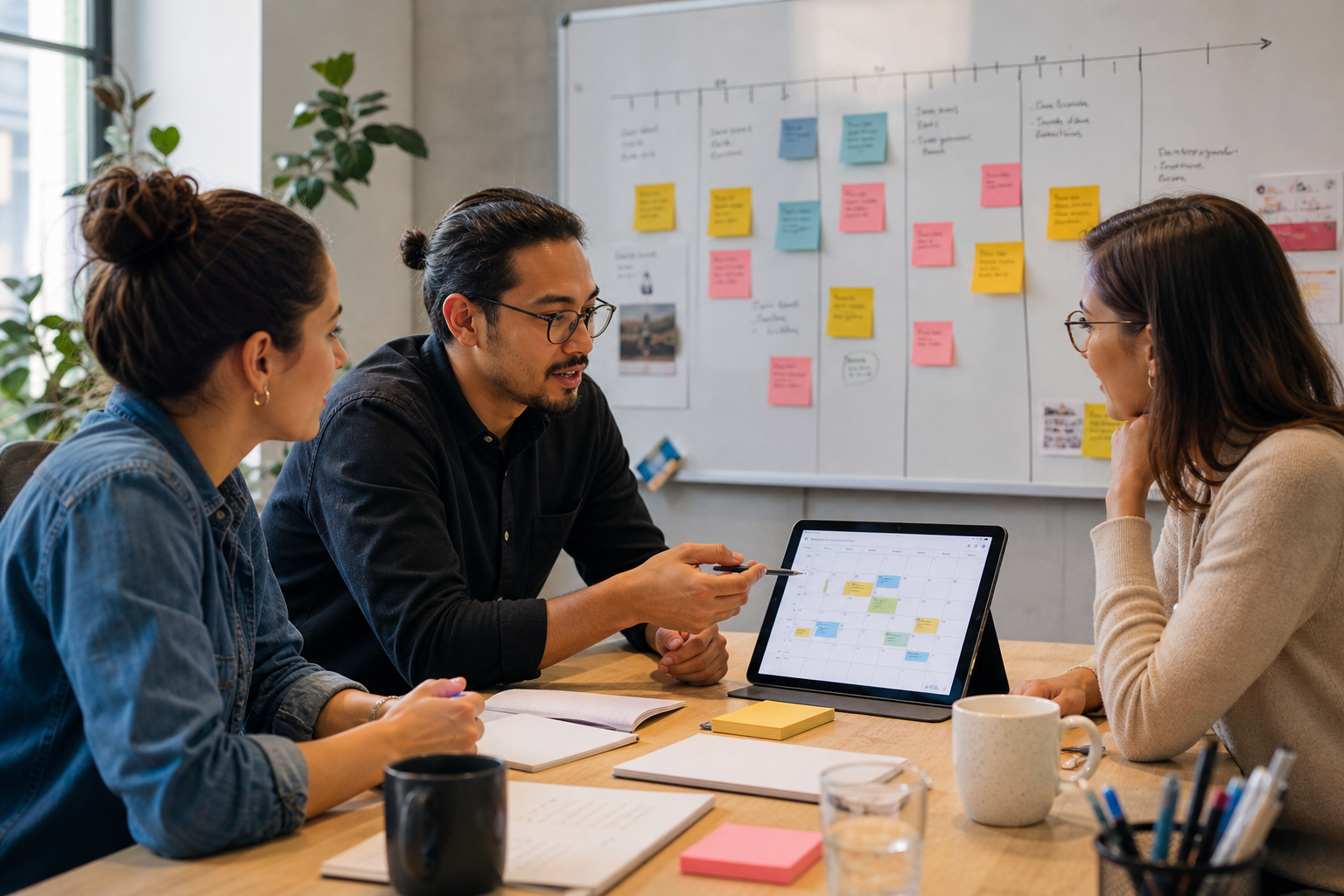
Teams that map milestones before launch catch conflicts early.
Connect Your Schedule to Tracking and Analytics
A schedule only proves that posts went live. You also need to know what they earned. Therefore, pick a tool that links timelines to results, or one that fits your reporting stack.
Learn how to automate influencer content tracking and review influencer marketing software with cross-platform campaign analytics for reporting options.
Frequently Asked Questions
What are influencer campaign scheduling tools?
Influencer campaign scheduling tools are software that plans and tracks the dates in a creator campaign, including briefs, shipping, approvals and posting. They keep every deadline in one shared place.
Can these tools post for the creator automatically?
Usually not. Creators publish from their own accounts, so most tools schedule deadlines, reminders and approvals rather than publishing the post itself.
How is a scheduling tool different from a social media scheduler?
A social media scheduler publishes your brand's own posts. A campaign scheduling tool coordinates timelines across many outside creators.
Why do influencer campaigns run late?
Common causes are slow product shipping, unclear briefs and approvals stuck in email. A shared calendar with reminders removes most of these delays.
What features should I look for?
Look for a shared calendar, approval workflows, automated reminders, creator communication logs and performance tracking. Integrations with your store or email are a strong bonus.
How far ahead should I schedule a campaign?
Many teams plan four to eight weeks ahead. Allow more time if you ship physical products or need legal review of content.
Do I need a tool for a small campaign?
A spreadsheet can work for fewer than ten creators. Beyond that, a dedicated tool saves time and reduces missed deadlines.
How much do influencer campaign scheduling tools cost?
Pricing varies widely by vendor and plan, and many offer monthly or annual tiers. Check each vendor's current pricing page and match it to your creator volume.
What is the biggest mistake when scheduling creator posts?
The biggest mistake is skipping a buffer between draft approval and the live date. Without it, one revision can push the whole campaign back.
How do I handle time zones with global creators?
State deadlines with a specific time and time zone, and use a tool that shows dates in each user's local time.
Can scheduling be linked to sales tracking?
Yes. Platforms that pair timelines with coupon codes or affiliate links let you see which scheduled posts drove purchases.
Should I disclose paid partnerships in my schedule?
Yes. Build disclosure checks into your approval step so posts follow the FTC's endorsement guidance.
Conclusion
Reliable timing turns creator marketing from a scramble into a repeatable process. The right influencer campaign scheduling tools give you a shared calendar, approval steps, reminders and a link to results. Start by mapping milestones and buffers, then choose a platform that fits your creator volume. To see how one connected workflow works, explore SocialBook.