Influencer content editing tools are the apps and software creators use to cut video, retouch photos, remove backgrounds and prepare posts for social platforms. Choosing the right set can shorten your workflow and make brand collaborations look more professional. This guide explains what to look for, how to compare options and how editing connects to results.
Quick answer: Pick tools that match your main format (short video, photos or both), export in the right ratios, and add captions fast. Test two or three on a real post, then save templates to speed up future edits.
What Are Influencer Content Editing Tools?
They are creator-focused editors that turn raw footage and photos into finished posts. Most cover trimming, color correction, text overlays, captions, audio and platform-ready exports. Some also include a photo studio, background remover and templates.
Editing matters because sponsored content is judged on both message and polish. Moreover, brands often give specific rules on length, product visibility and tone. Good tools make it easier to meet those rules on time.
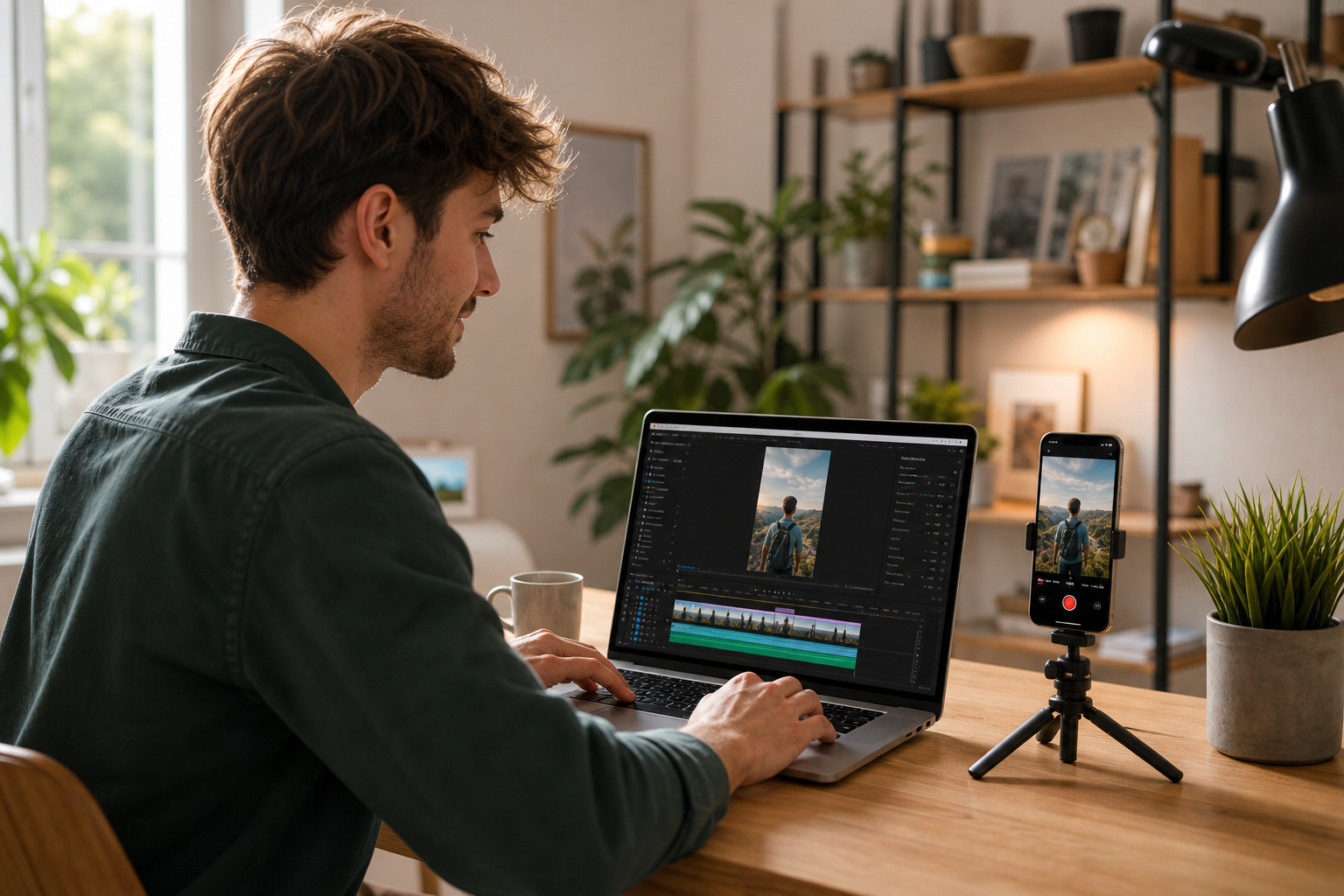
A creator trims a vertical clip, one of the most common jobs for influencer content editing tools.
Core Features Creators Need
Not every feature deserves your attention. Instead, focus on the ones that save time and protect quality.
- Short-form video editing: quick trimming, speed changes, transitions and vertical templates.
- Auto-captions: accurate, readable text that viewers can follow with the sound off.
- Photo retouching: exposure, color and crop controls for product shots.
- Background removal: clean cutouts for product images and thumbnails.
- Brand kits: saved fonts, colors and logos for consistent output.
- Export presets: correct sizes for TikTok, Instagram and YouTube.
Video Editors vs. Photo Studio Tools
Video editors work on timelines with clips, audio and motion. Photo studio tools handle still images, such as retouching and backgrounds. Many creators need both.
| Tool type | Best for | Typical tasks |
|---|---|---|
| Mobile video app | Reels, TikToks, Shorts | Trim, caption, add music |
| Desktop video editor | Long-form YouTube | Multi-track edits, color grading |
| Photo studio tool | Product and lifestyle images | Retouch, crop, remove background |
How to Choose the Right Editing Software for Creators
Follow this process to compare options without wasting weeks.
- List your content formats, such as short video, long video, product photos or carousels.
- Set a monthly budget and a time limit per post.
- Shortlist two or three tools that export in the right sizes.
- Edit one real post in each and compare time, audio and caption accuracy.
- Save templates and track which edit styles perform best.
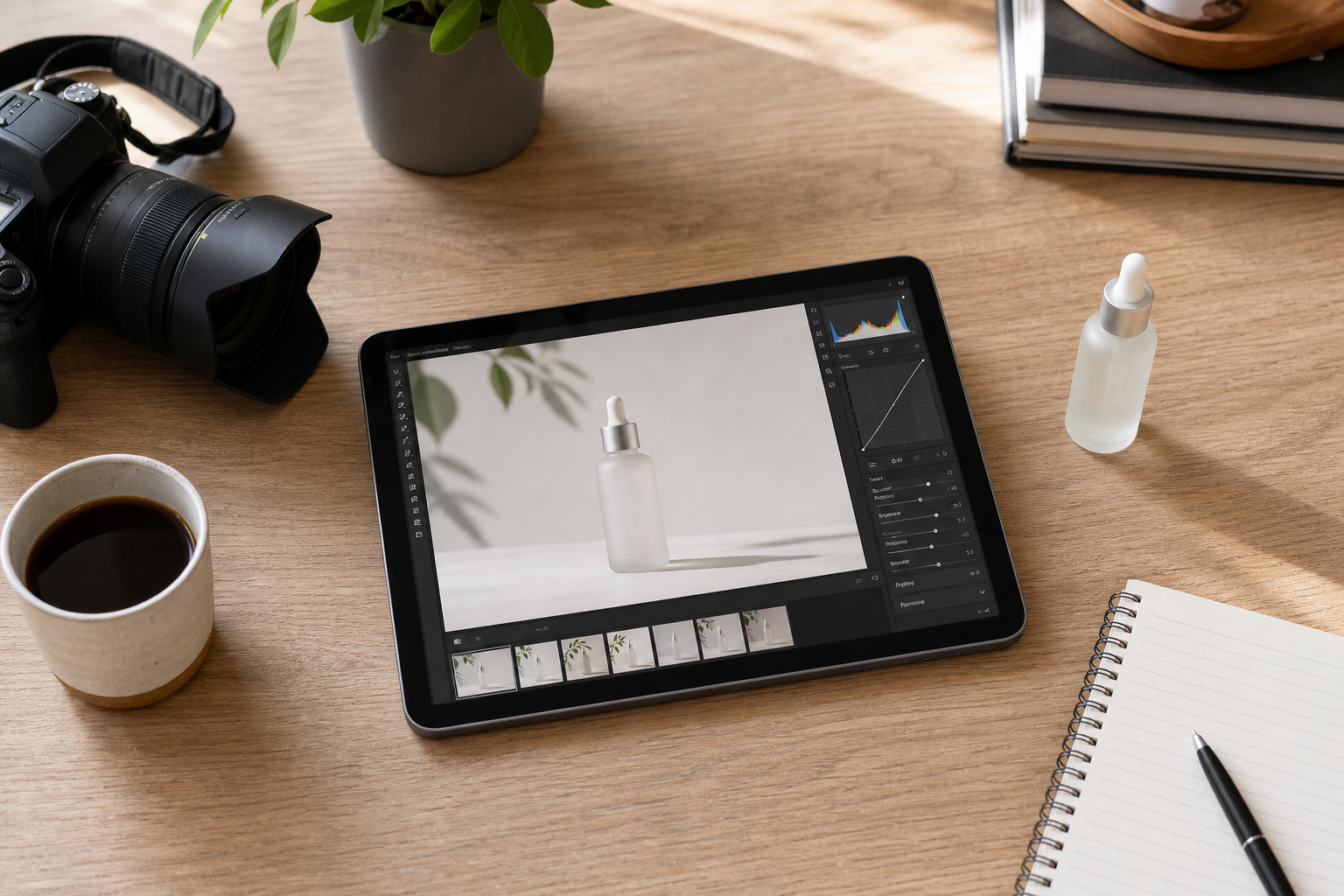
Photo studio features such as background removal help product shots look clean and consistent.
Editing for Brand Collaborations
Sponsored posts come with extra rules. Therefore, read the brief before you open any editor. Check required length, product placement, talking points and approval steps.
Disclosure also matters. The U.S. Federal Trade Commission expects endorsements to be clearly disclosed. Build the label into your edit so viewers can see it easily.
Brands also look at creators before hiring them. If you want to understand what brands evaluate, read this guide to how brands find, vet and reach creators.
Where SocialBook Fits
socialbook.io is an influencer marketing platform that includes creator-friendly content tools. Its offering covers a photo studio, a background remover and basic photo and video editing. These sit alongside influencer search across more than 300 million creator profiles, campaign management and a creator pricing estimator.
For creators, that means editing and brand-deal tools in one place. For brands, it means content, outreach and reporting can connect in a single workflow. Consequently, teams spend less time moving files between apps.
Measuring Whether Your Edits Work
Editing choices should be tested. Compare watch time, engagement and sales across different cuts, hooks and caption styles. In addition, use coupon codes or affiliate links to connect a post to revenue.
You can also study what works for others. See how competitor creators perform with competitor monitoring, and learn more in this 2026 guide to influencer content performance insights.
Common Editing Mistakes to Avoid
- Using heavy filters that change how a product really looks.
- Ignoring audio quality, which viewers notice quickly.
- Exporting in the wrong aspect ratio.
- Making captions too small to read on a phone.
- Skipping the brand brief or disclosure requirements.
Brands that want to find creators with strong content styles can use tools to search millions of influencers globally.
Frequently Asked Questions
What are influencer content editing tools?
Influencer content editing tools are apps and software that creators use to cut video, retouch photos, remove backgrounds, add captions and export posts for social platforms. They turn raw footage into polished content.
Do influencers need paid editing software?
Not always. Many free and low-cost apps cover trimming, captions and basic color work. Paid tools become worthwhile when you need faster workflows, brand kits or higher export quality.
Which editing features matter most for short-form video?
Fast trimming, auto-captions, vertical templates, audio sync and clean exports matter most. These features save time on TikTok, Instagram Reels and YouTube Shorts.
How do I edit photos for brand collaborations?
Start with even lighting, crop to the platform's ratio, correct color, and keep the product true to life. Then remove distracting backgrounds if the brief calls for a clean look.
Can I edit influencer content on my phone?
Yes. Modern mobile apps handle cutting, captions, filters and exports well. A laptop helps with longer videos or detailed retouching.
How long should editing take per post?
A simple short video often takes 30 to 90 minutes, depending on footage and complexity. Templates and saved presets reduce that time.
What is the difference between a photo studio tool and a video editor?
A photo studio tool focuses on still images, such as retouching and backgrounds. A video editor works with timelines, clips, audio and motion.
Do brands require specific edits on sponsored posts?
Often yes. Briefs may specify product visibility, tone, length, disclosure text and banned elements. Always check the brief before editing.
How do I add FTC disclosures when editing?
Place a clear disclosure such as #ad or a paid partnership label where viewers will notice it, and use the platform's built-in branded content tool where available. The FTC says disclosures must be clear and conspicuous.
What are common mistakes when using influencer content editing tools?
Common mistakes include heavy filters that distort products, poor audio, wrong aspect ratios, tiny captions and skipping the brand brief. Over-editing can also reduce authenticity.
How can I measure whether my edited content performs?
Track views, watch time, engagement and sales through coupon codes or affiliate links. Compare edit styles across posts to see what works.
Does SocialBook offer content creation tools?
Yes. SocialBook includes content creation tools such as a photo studio, background remover and basic photo and video editing, alongside influencer search and campaign management.
Conclusion
The best influencer content editing tools match your formats, fit your budget and make captions, exports and brand rules easy to handle. Test a few on real posts, save templates, and track results so your edits improve over time. To pair editing with creator discovery, outreach and campaign tracking, explore SocialBook.