Influencer content creation tools are the apps and software creators use to shoot, edit, design, and plan the posts that win audiences and brand deals. The right set saves hours each week and makes your work look consistent. This guide explains what these tools do, which types matter, and how to build a simple workflow.
Quick answer: Start with one photo editor, one video editor, and one planner. Add a background remover for product shots and a pricing estimator for deals. Keep the toolkit small so you actually use it.
What Are Influencer Content Creation Tools?
Influencer content creation tools are software that helps creators produce social media content, from photo and video editing to design and scheduling. They range from free phone apps to full desktop suites. In addition, some platforms bundle them with brand-deal features.
Brands care about this because content quality affects results. As a result, creators with a clean, repeatable process often win more partnerships. For background, see how influencer marketing works as a channel.
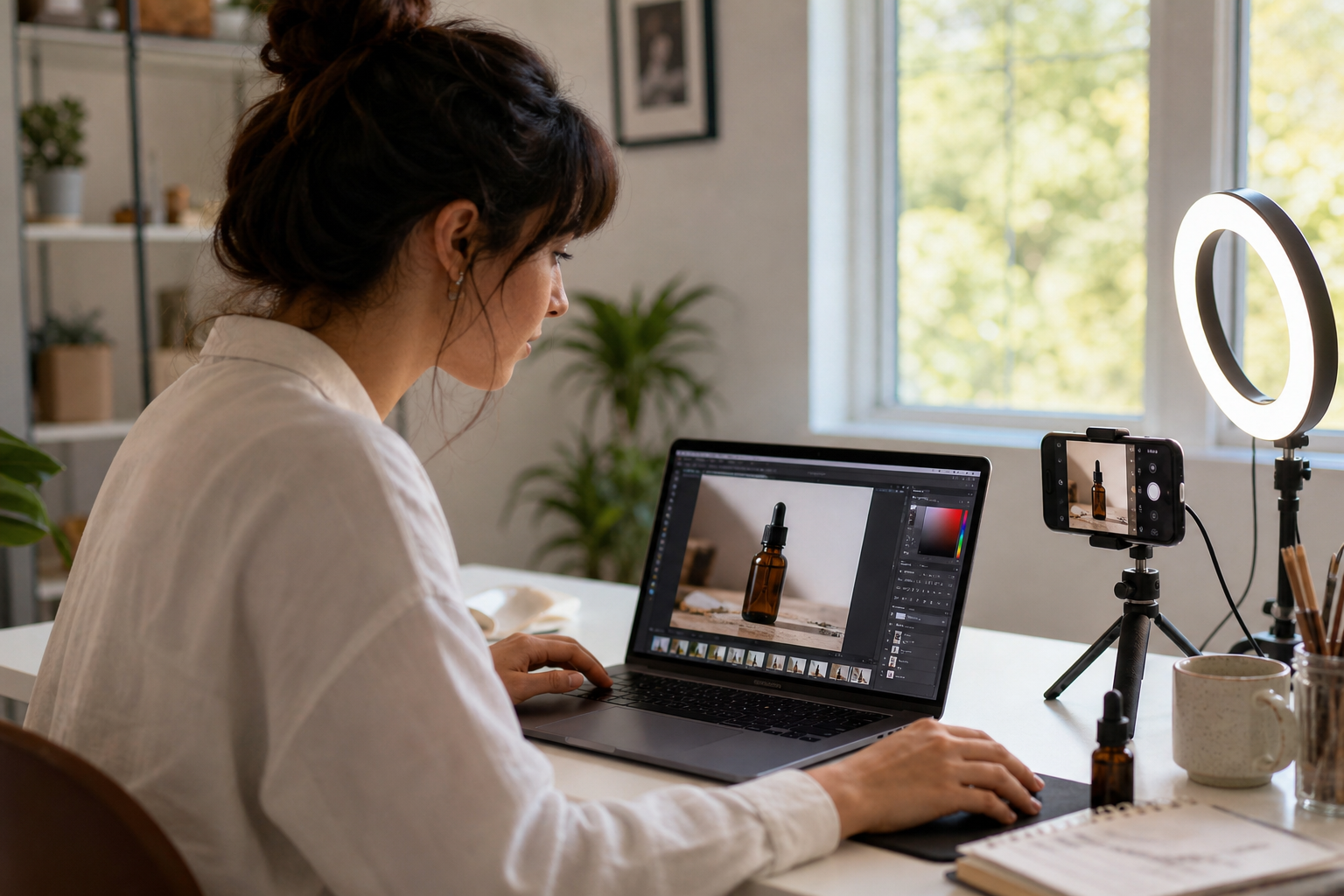
A simple desk setup is enough to start using influencer content creation tools.
Main Types of Content Creator Tools
Most toolkits fall into a few groups. Each solves a different job, so you rarely need more than one per group.
Photo Editing and Background Removal
Photo tools adjust light, color, and crop. A background remover cuts out the subject so you can place it on a clean backdrop. This matters most for product posts, because brands often reuse the images in ads and listings.
Video Editing
Short-form video drives most creator work on TikTok, Instagram, and YouTube. Look for trimming, auto captions, music, and templates. Specifically, captions help viewers who watch with the sound off.
Planning and Scheduling
A content calendar keeps posting steady. Therefore, pick a planner that lets you map ideas, deadlines, and brand deliverables in one view.
Pricing and Analytics
A creator pricing estimator helps you judge what to charge. Analytics show which posts perform. Together they turn content into a business decision, not a guess.
How to Choose the Right Tools
Use these criteria before you commit to any app:
| Criterion | What to check |
|---|---|
| Ease of use | Can you finish an edit in minutes? |
| Export quality | Resolution, watermarks, file types |
| Templates | Presets for your platforms and sizes |
| Cost | Free tier limits and paid upgrade value |
| Mobile support | Does it work well on your phone? |
Where SocialBook Fits
SocialBook is an influencer marketing platform founded in 2014 and based in San Francisco. Beyond its creator search of more than 300 million profiles, it offers a photo studio, background remover, and basic photo and video editing for creators. It also includes a creator pricing estimator and a marketplace where brands post campaigns and influencers apply.
This means a creator can edit content and apply to brand deals without switching platforms. Brands, meanwhile, can read the influencer outreach guide to see how they find and contact creators. For a wider view of the platform, explore the AI growth platform.
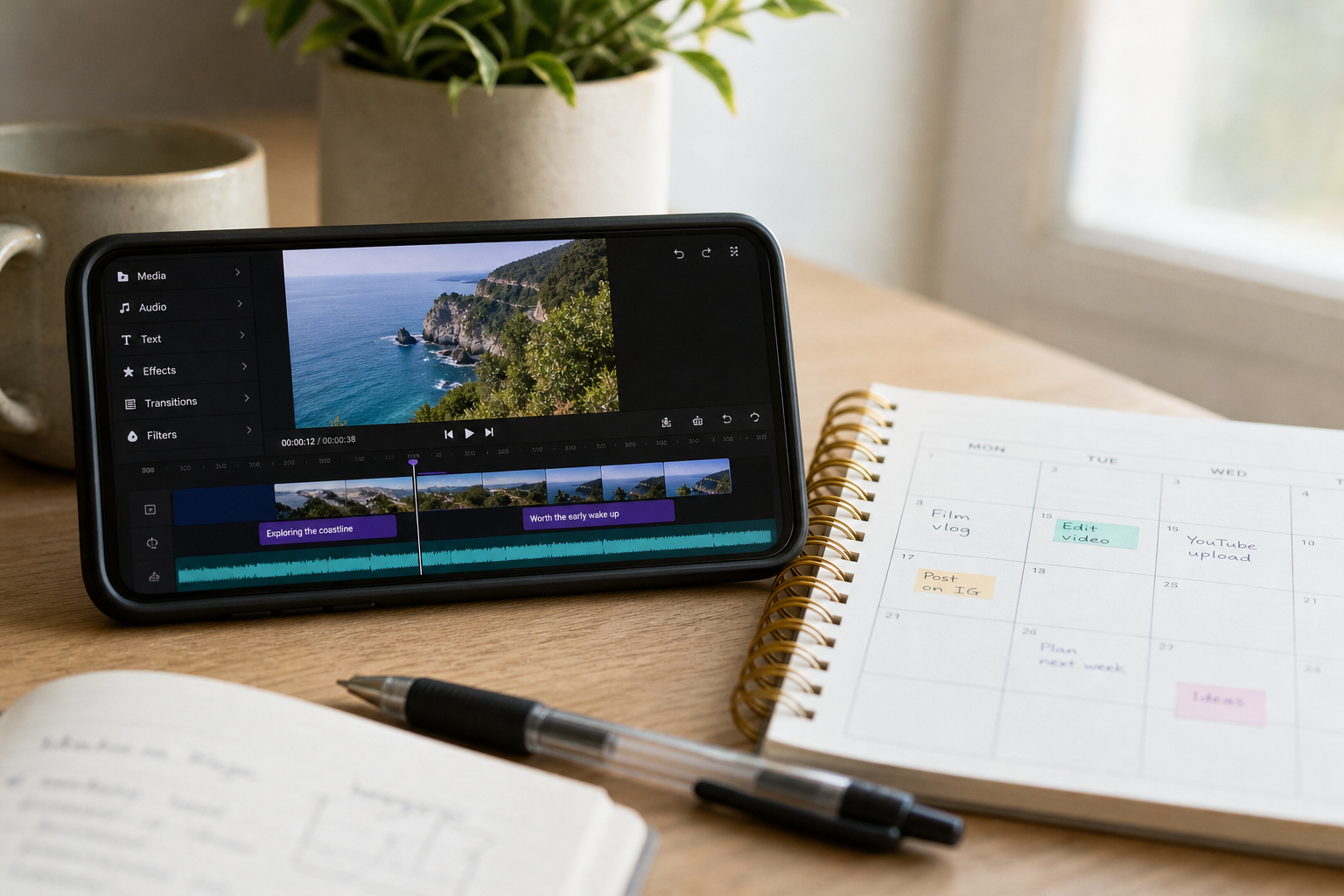
Video editing and planning work best when they share one routine.
Build a Content Workflow in 5 Steps
- Define your goal. Decide whether you need photos, short videos, or stories, and match them to the brand brief.
- Pick one tool per job. Choose one photo editor, one video editor, and one planner.
- Create a template. Save crop sizes, fonts, colors, and caption structure.
- Edit and check quality. Fix lighting, remove clutter, check audio, and preview on a phone.
- Submit and track. Send for approval, then track views, clicks, and sales.
Measure What Your Content Earns
Good tools only matter if the content performs. Therefore, review results after each campaign. The content performance insights guide explains which signals to watch.
Brands also need to find creators whose style fits. Consequently, many use influencer search tools to review creator content before reaching out. The FTC endorsement guidance is also worth reading, since sponsored posts must be clearly disclosed.
Common Mistakes to Avoid
- Using too many apps, which slows every post.
- Over-filtering photos until products look unreal.
- Ignoring audio quality in videos.
- Skipping the brand brief before editing.
- Forgetting ad disclosure labels.
FAQ: Influencer Content Creation Tools
What are influencer content creation tools?
Influencer content creation tools are apps and software that help creators shoot, edit, design, and plan social media content. They cover photo editing, video editing, background removal, and scheduling.
Do I need paid influencer content creation tools to start?
No. Many free tools handle basic editing, trimming, and captions well. Upgrade only when a limit, such as export quality or watermarks, slows your work.
Which tool is best for product photos?
A photo studio tool with a background remover works best for product shots. It gives clean, consistent images that brands can use in ads and listings.
How do I edit short videos faster?
Use templates, auto captions, and saved presets. Batch your editing in one session so you avoid switching between tasks.
What is a background remover used for?
A background remover cuts the subject out of a photo so you can place it on a clean or branded backdrop. Creators use it for product images and thumbnails.
How do I know how much to charge for content?
Use a creator pricing estimator and compare your engagement, audience size, and content type against market ranges. Then adjust for usage rights and exclusivity.
Can phone apps replace professional software?
For most social content, yes. Modern phone apps handle editing, color, and captions well, though long-form or complex projects may need desktop software.
How do brands judge content quality?
Brands look for clear visuals, good audio, on-brief messaging, and consistent style. They also review past results and audience fit.
What mistakes should creators avoid with editing tools?
Common mistakes include over-filtering, using too many tools, ignoring audio quality, and skipping the brief. Keep your toolkit small and your edits clean.
How long does it take to learn these tools?
Most creators learn the basics in a few days of regular practice. Mastery of advanced features takes longer, but you do not need it to publish quality content.
How do content tools connect to brand deals?
Strong content improves your profile and application success. Platforms like SocialBook let creators apply to brand campaigns and use built-in photo tools in one place.
Should brands also use content creation tools?
Yes. Brands use them to adapt creator assets, resize images for ads, and keep campaign visuals consistent across channels.
Conclusion
The best influencer content creation tools are the ones you use consistently. Start with one photo editor, one video editor, and one planner, then add a background remover and pricing estimator as your deals grow. Build a repeatable workflow, track results, and refine it over time. To combine editing tools with brand opportunities, explore SocialBook.